Xtream Codes vs M3U: Which IPTV Login Should You Use?
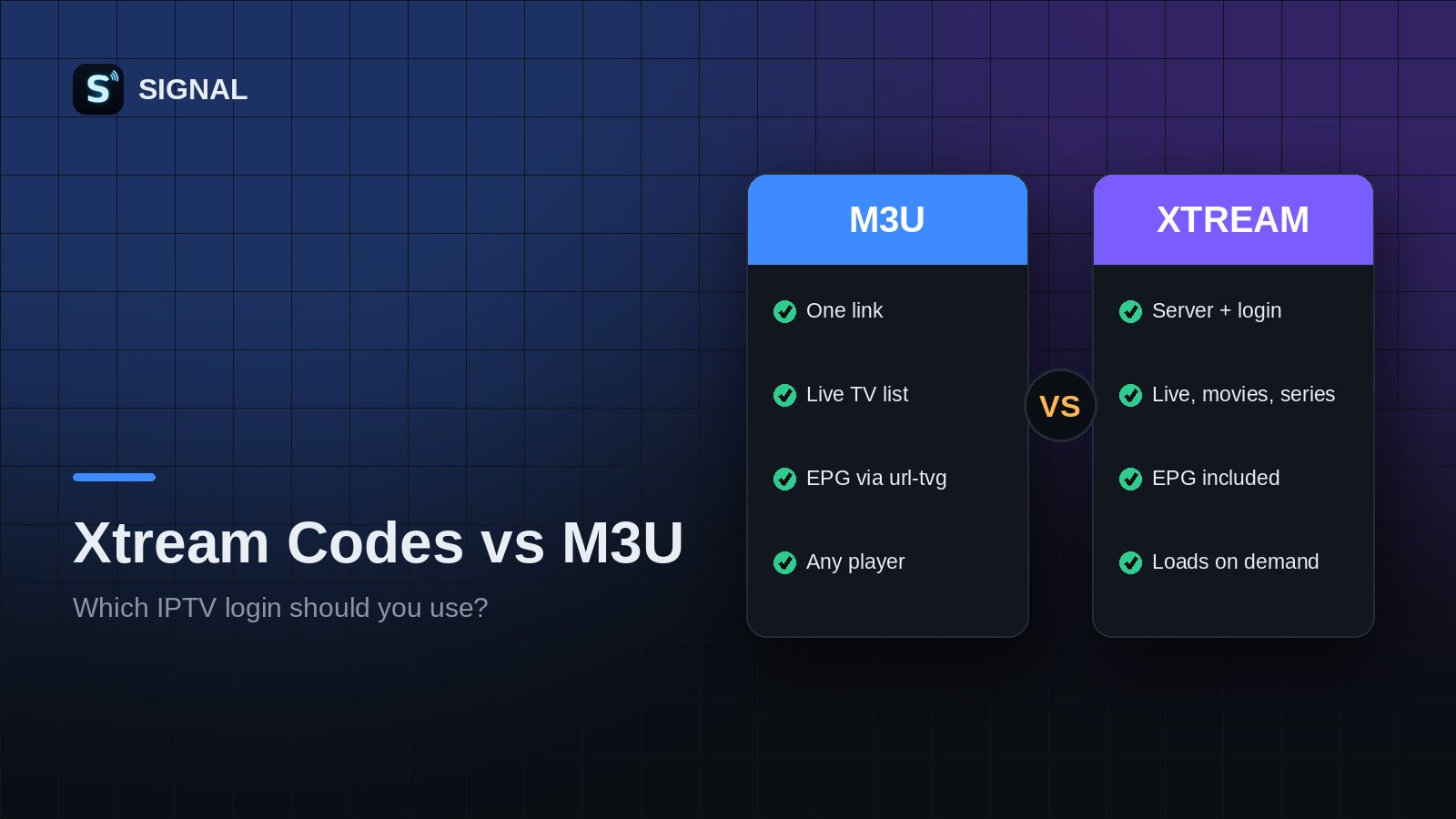
IPTV providers usually offer two ways to connect: an M3U link or an Xtream Codes login. Both give you the same channels, but they work differently. This guide helps you choose.
What is Xtream Codes?
Xtream Codes is a login method used by many IPTV panels. Instead of one long link, you get three details:
- Server URL, for example
http://provider.com:8080 - Username
- Password
The player uses these to ask the server for live channels, movies, series and the TV guide separately.
M3U vs Xtream Codes
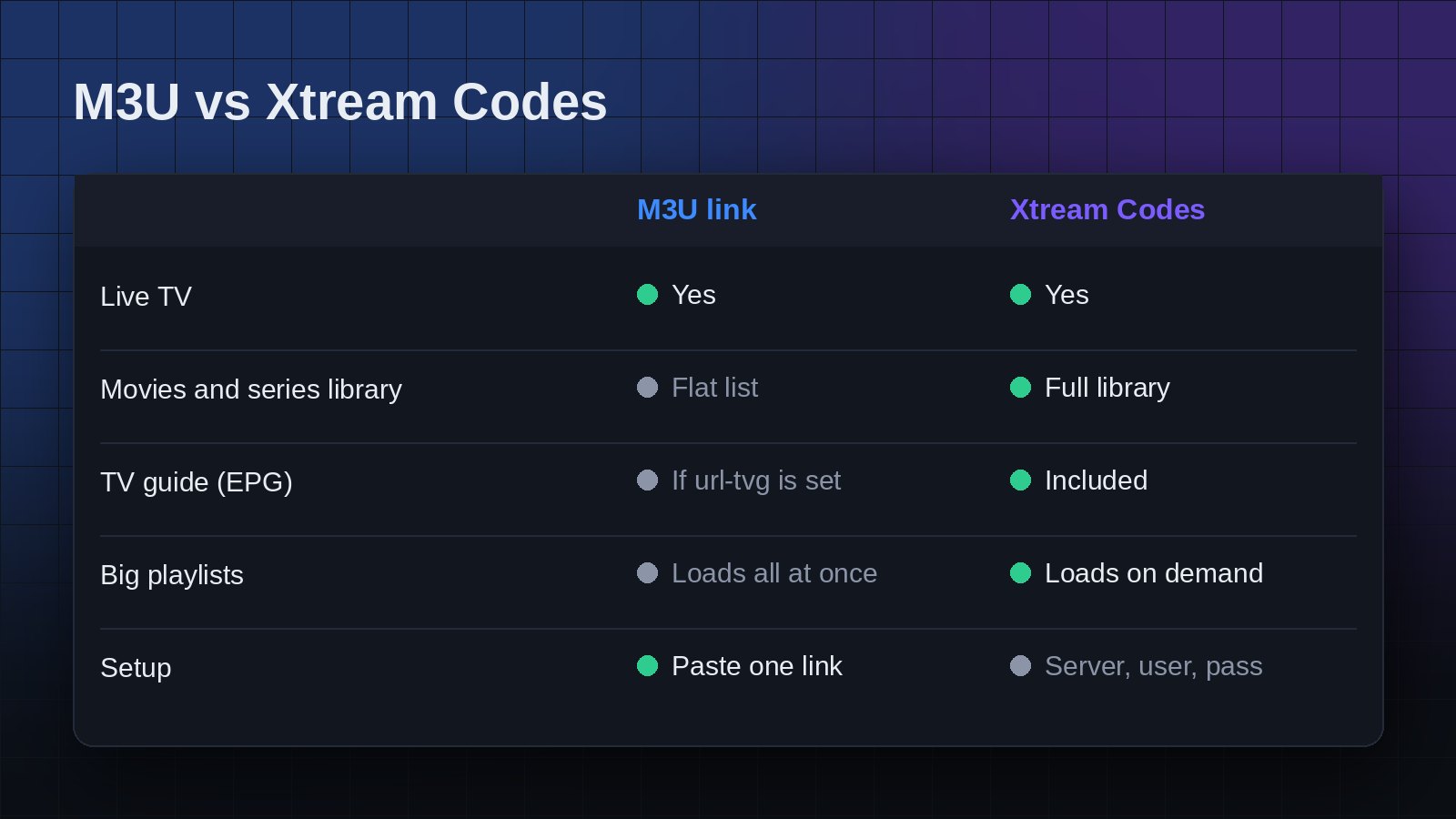
- Movies and series: Xtream Codes gives you proper movie and series libraries with seasons, episodes, posters and descriptions. With M3U, VOD often appears as a long flat list.
- TV guide: Xtream Codes includes the EPG automatically. With M3U it depends on whether the playlist has a
url-tvglink. - Speed: Xtream Codes loads categories on demand, which is faster for very large services. M3U downloads the whole list at once.
- Simplicity: M3U is a single link and works with almost any player.
Which should you use?
If your provider offers Xtream Codes, use it for the best experience with movies, series and the guide. If you only have an M3U link, that is perfectly fine for live TV.
Tip: turn an M3U link into an Xtream login
Many M3U links already contain Xtream details. A link like http://provider.com:8080/get.php?username=john&password=1234&type=m3u_plus means:
- Server:
http://provider.com:8080 - Username:
john - Password:
1234
Using both in SIGNAL
SIGNAL supports M3U links, .m3u files and Xtream Codes logins. Open the SIGNAL Web Player, add your playlist in the way your provider supports, and SIGNAL will load channels, categories and the TV guide for you.
Keep your Xtream password private. SIGNAL support will never ask for it.
Try SIGNAL for free
Paste your playlist link and start watching in seconds.