What Is an M3U Playlist and How Do You Use It?
If you have ever signed up for an IPTV service, you probably received an M3U link. It looks like a normal web address, but it is the key to your whole channel list. This guide explains what an M3U playlist is, what is inside it and how to use it with a player like SIGNAL.
What is an M3U playlist?
M3U is a plain text file format for playlists. Each entry points to a media stream and can include extra information like the channel name, logo and category. The M3U8 variant is the same format saved in UTF-8, which is why you will see both .m3u and .m3u8.
An IPTV playlist is simply a long M3U file with hundreds or thousands of live TV channels, and sometimes movies and series.
What does an M3U file look like?
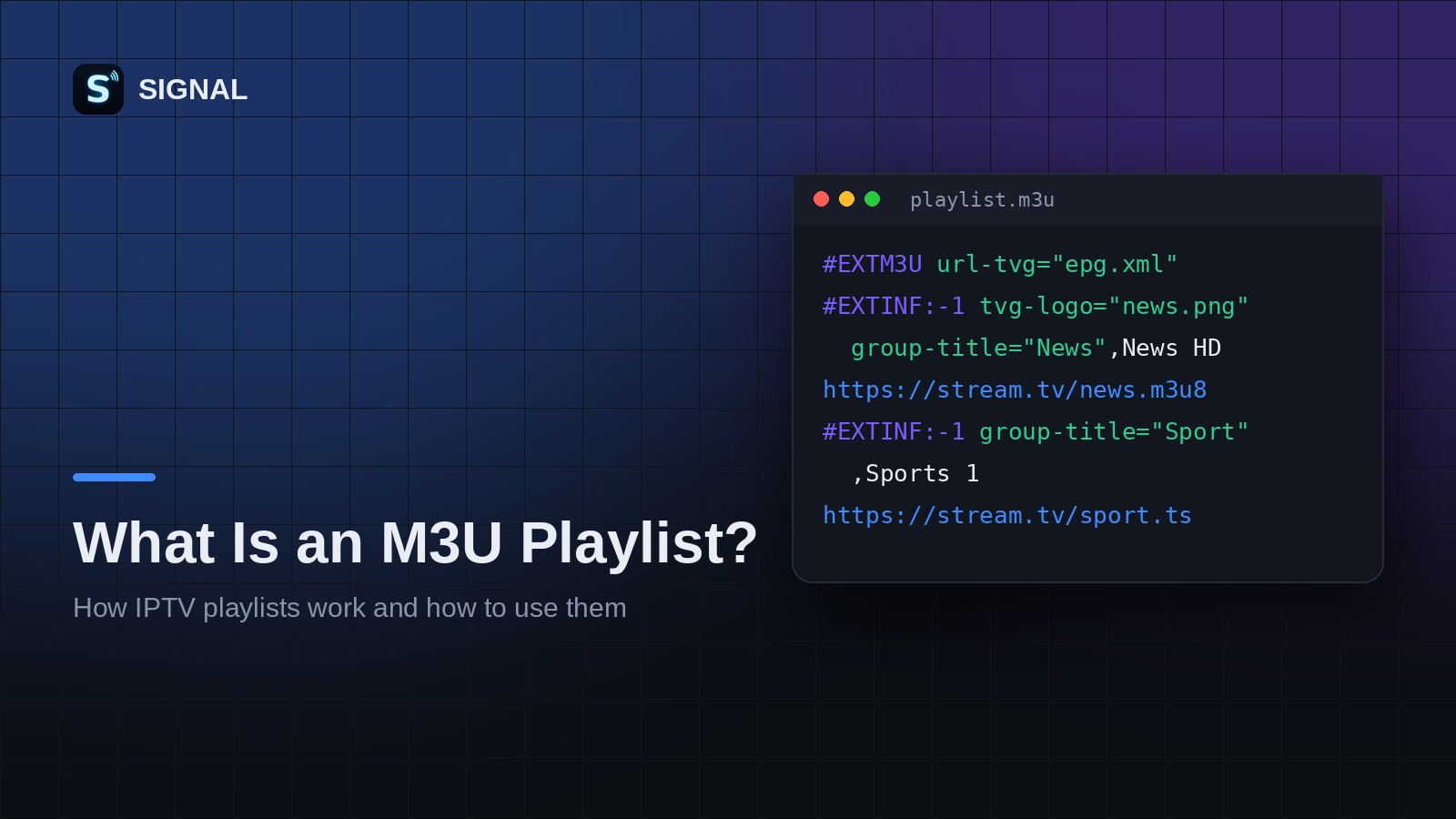
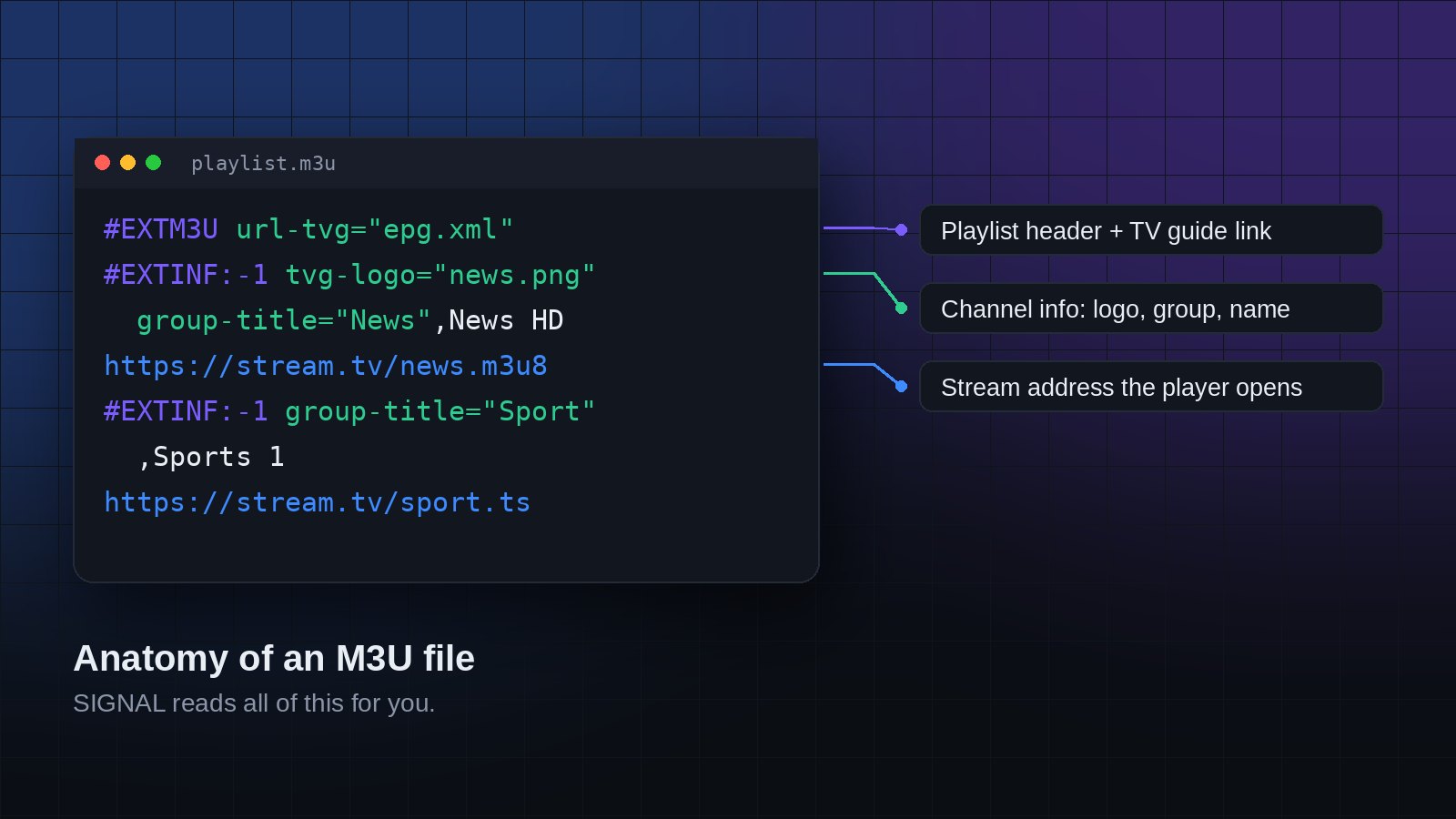
Open one in a text editor and you will see something like this:
#EXTM3U url-tvg="https://example.com/epg.xml"
#EXTINF:-1 tvg-id="news.hd" tvg-logo="https://example.com/news.png" group-title="News",News HD
https://stream.example.com/live/news/index.m3u8#EXTM3Umarks the start of the playlist. The optionalurl-tvgpoints to a TV guide (EPG).#EXTINFdescribes one channel: its guide id, logo, group and name.- The next line is the stream address that the player opens.
M3U link or M3U file?
Most providers give you a link, for example https://provider.com/get.php?username=...&password=...&type=m3u_plus. A link is best because your provider can update channels and you always get the latest list. A downloaded file is a snapshot. It works too, but it will not update by itself.
How to open an M3U playlist in SIGNAL
- Open the free SIGNAL Web Player.
- Choose to add a playlist by link, or upload your .m3u file.
- Wait a few seconds while SIGNAL loads the channels, groups and logos.
- Pick a channel and start watching. If the playlist has a
url-tvg, the TV guide loads automatically.
Common problems
- The playlist does not load: open the link in your browser. If it downloads a file or shows text starting with
#EXTM3U, the link works. If not, check your subscription with your provider. - Some channels do not play in the browser: the server may block web playback. The SIGNAL Android and Android TV apps play these streams. See downloads.
- No logos or guide: the playlist may not include them. You can add a separate XMLTV guide link in the settings.
SIGNAL is a player only. It does not provide channels. Always use playlists you have the right to watch.
Try SIGNAL for free
Paste your playlist link and start watching in seconds.