How to Watch IPTV in Your Browser (Free Web Player)
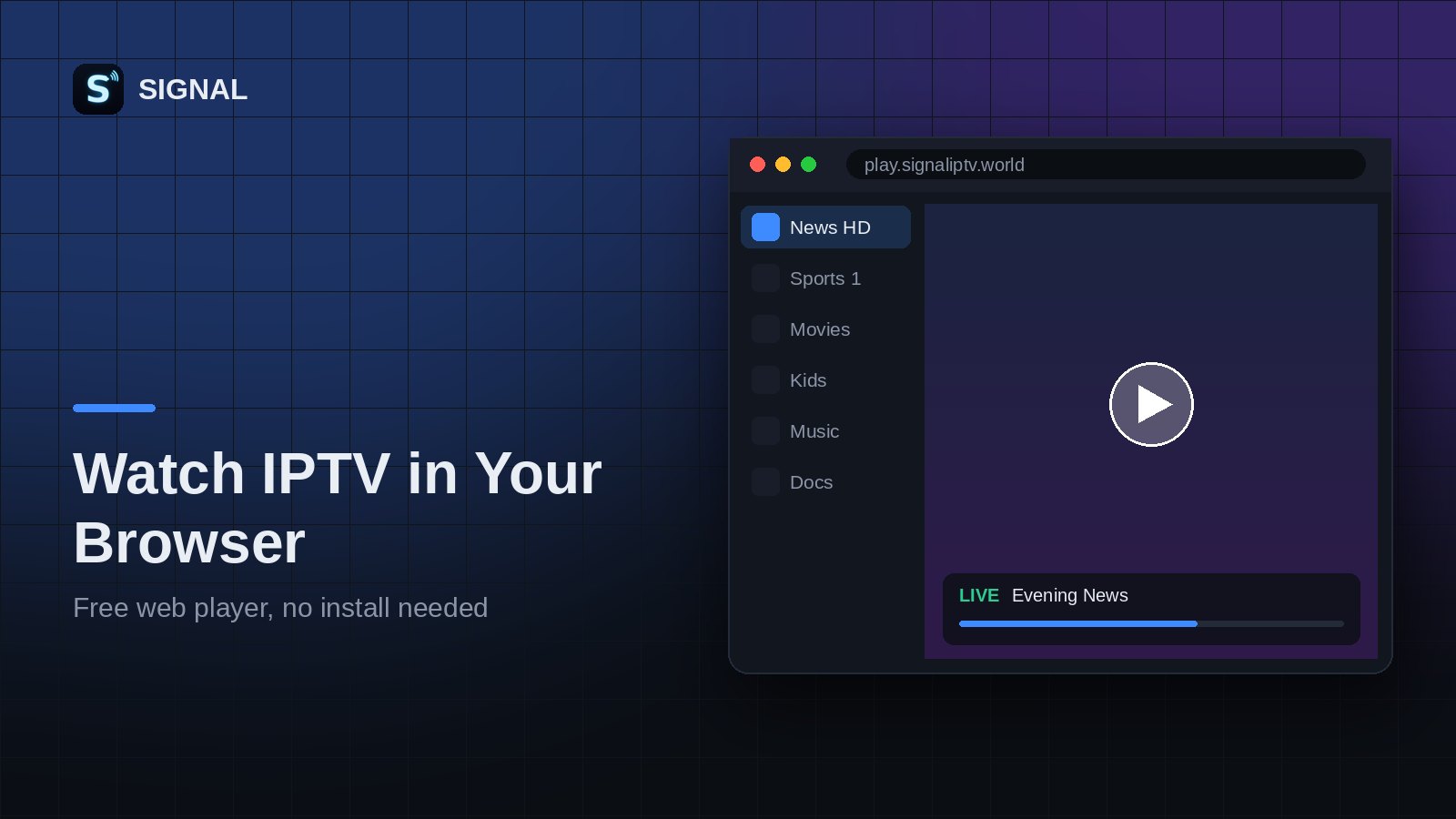
You do not need a smart TV app or a special box to watch IPTV. With a modern browser and your playlist, you can watch live TV on any computer in a few seconds. Here is how it works and how to fix the most common issues.
What you need
- A recent version of Chrome, Edge, Firefox or Safari.
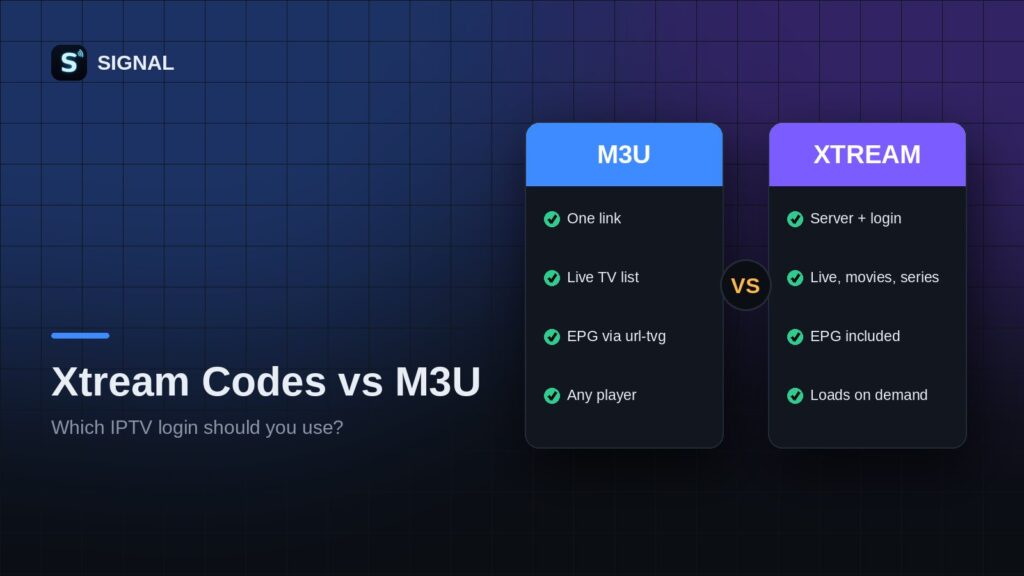
- Your IPTV playlist: an M3U link, an .m3u file or an Xtream Codes login.
- A stable internet connection. 10 Mbps is enough for HD, 25 Mbps or more for 4K.
Step by step
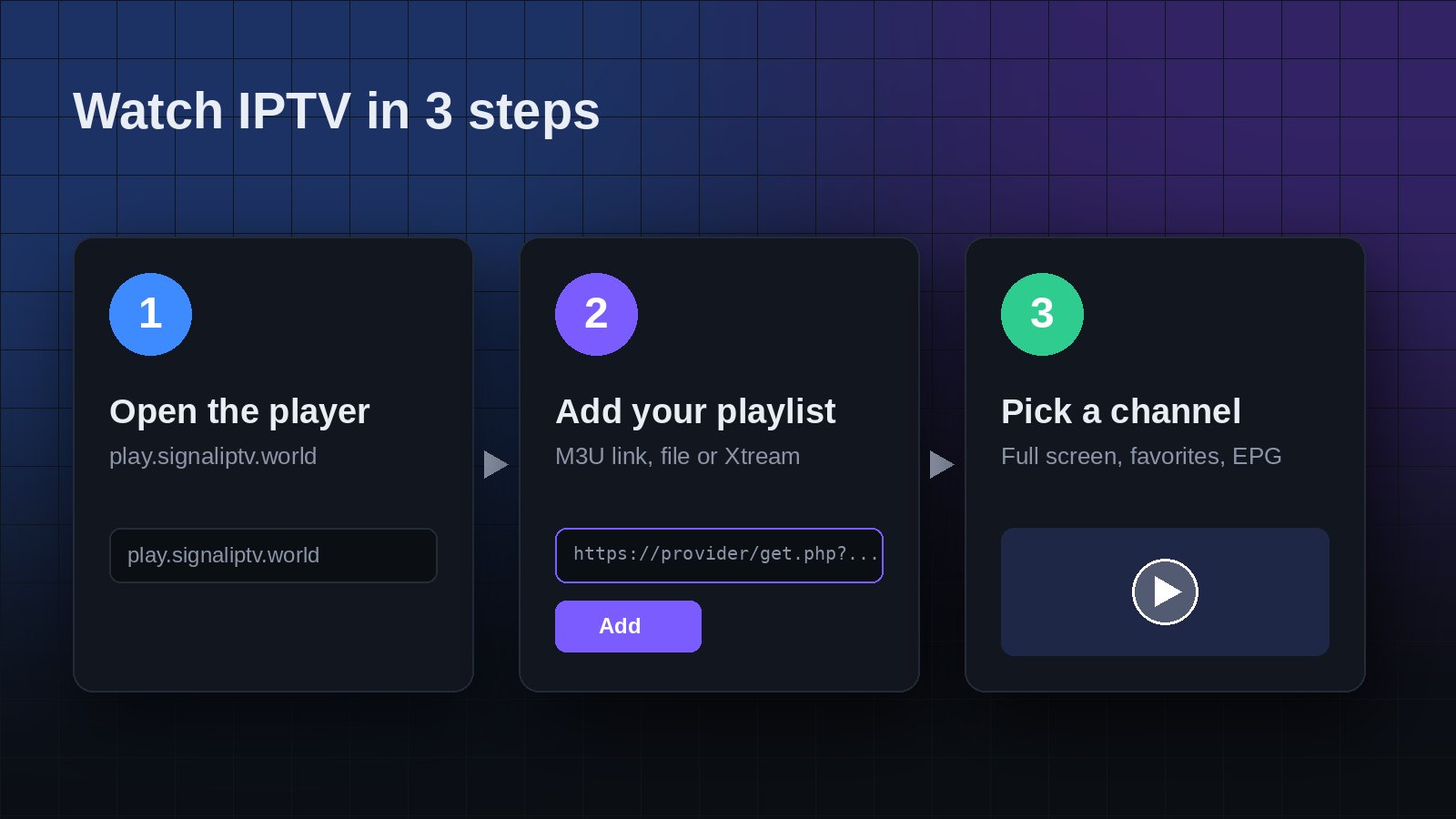
- Go to the SIGNAL Web Player. It is free and needs no installation.
- Add your playlist by pasting the link or uploading the file.
- Browse the categories on the left or search for a channel by name.
- Click a channel to play it. Use full screen for the best picture.
- Tap the star to add favorites, so your top channels are always one click away.
Which streams play in a browser?
Browsers play two kinds of live streams well:
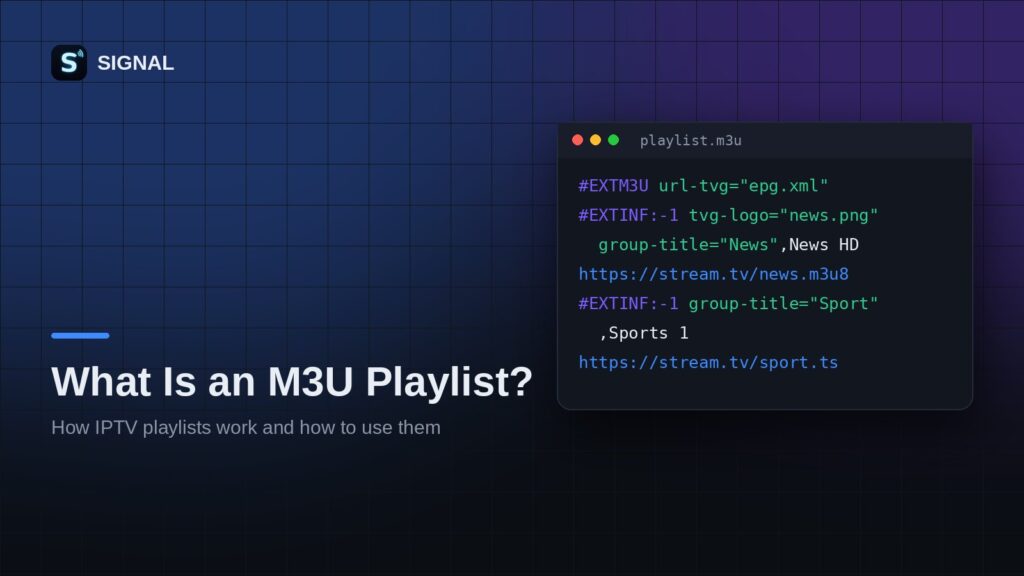
- HLS (links that contain
.m3u8). This is the most common format and works almost everywhere. - MPEG-TS (links ending in
.ts, or Xtream Codes live links). SIGNAL plays these in the browser with a built in web engine.
Why a channel may not play
A web page can only load a stream if the stream server allows it. This rule is called CORS. Many IPTV servers allow it, some do not. When a server blocks web playback, no browser player can open that channel, but a native app can.
If you see the message that a stream cannot play in the browser, install the free SIGNAL app for Android or Android TV from the download page. It plays nearly every format, including streams that browsers block.
Tips for smooth playback
- Use a wired connection or 5 GHz Wi-Fi for HD and 4K channels.
- Close other tabs that stream video or download large files.
- If a channel buffers, try it again in a minute. Live servers are sometimes busy.
- Keep your browser updated for the best video support.
That is it. Open the Web Player, add your playlist and enjoy live TV in your browser.
Try SIGNAL for free
Paste your playlist link and start watching in seconds.